





How to Redeem Cubase LE (Desktop Version for macOS / Windows)


Before you start, please make sure you have:
-
A Steinberg ID account
-
A computer with an active internet connection
Step-by-step Activation Guide
-
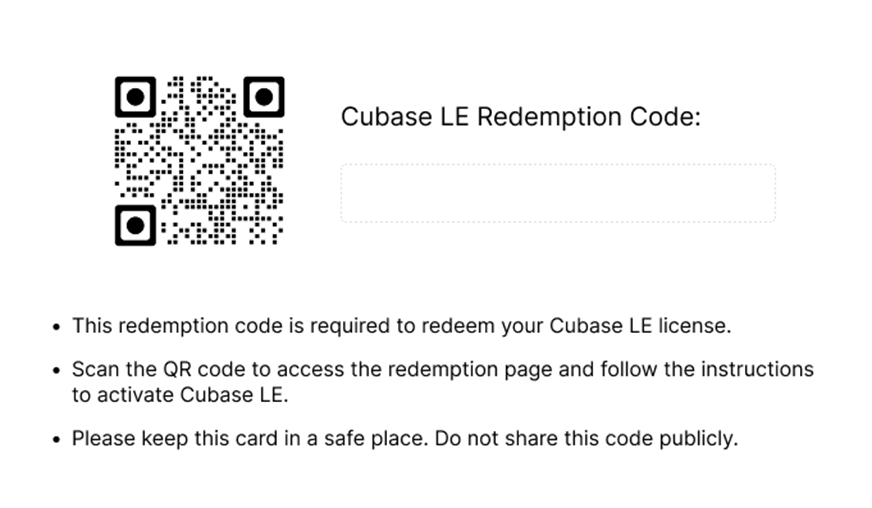
Locate the pre-redemption card inside the product package
You will find a small card included in the box.
-
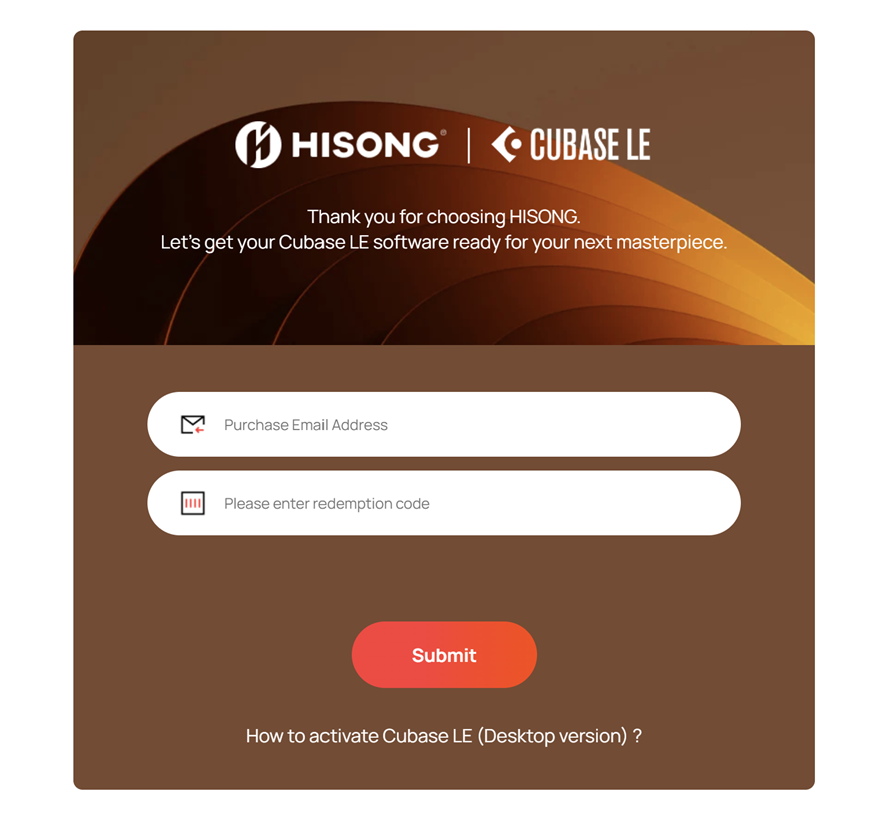
Visit the HISONG redemption page
Scan the QR code on the card, or visit:
https://hisong.ai/pages/activation
Enter:
-
The email address used for your purchase
-
The 16-digit HISONG pre-redemption code printed on the card
-
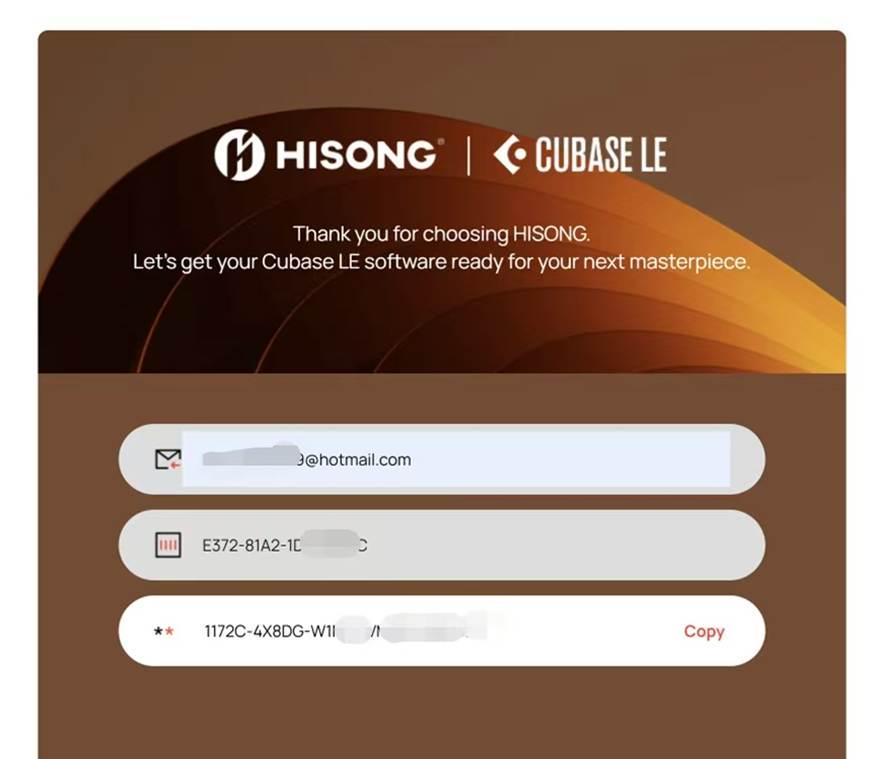
Obtain your Cubase LE download access code
After submission, you will see a 25-digit Cubase LE download access code (shown in the third section on the page).
Click COPY to copy the code.
-
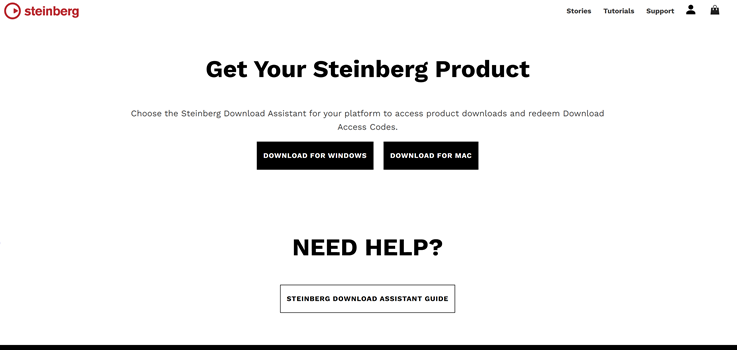
Download Steinberg Download Assistant on Steinberg website. https://www.steinberg.net/go/
-
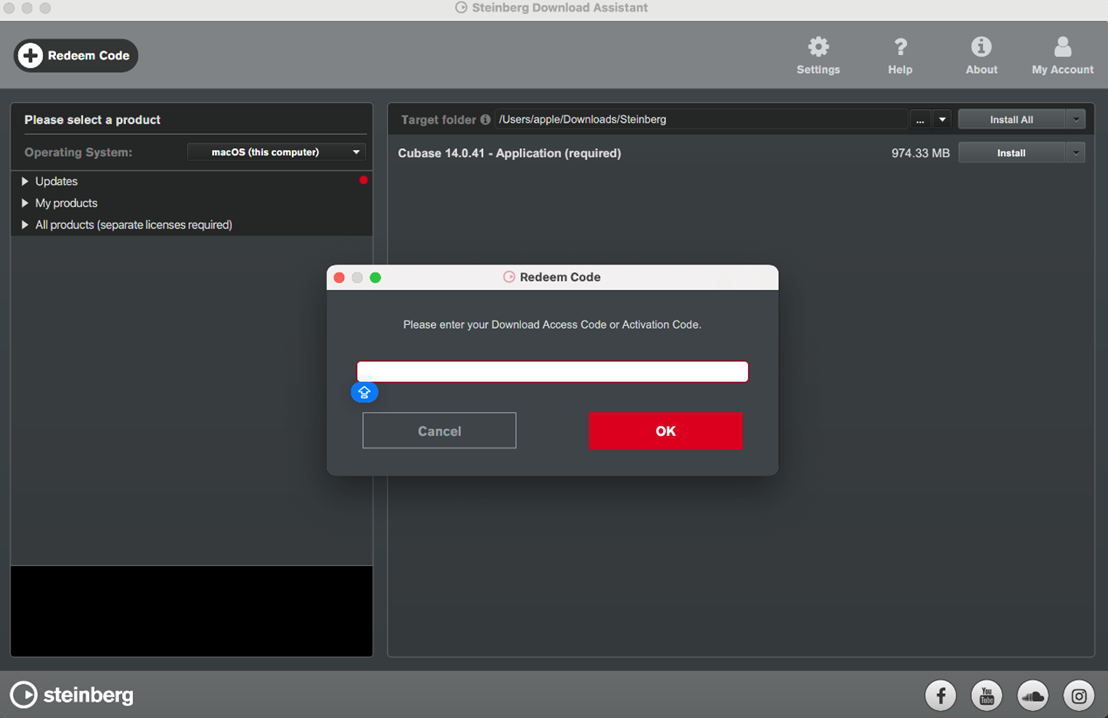
Install and open Steinberg Download Assistant
Once downloaded, open Steinberg Download Assistant Installer and complete the installation.
Launch Steinberg Download Assistant after installation.
-
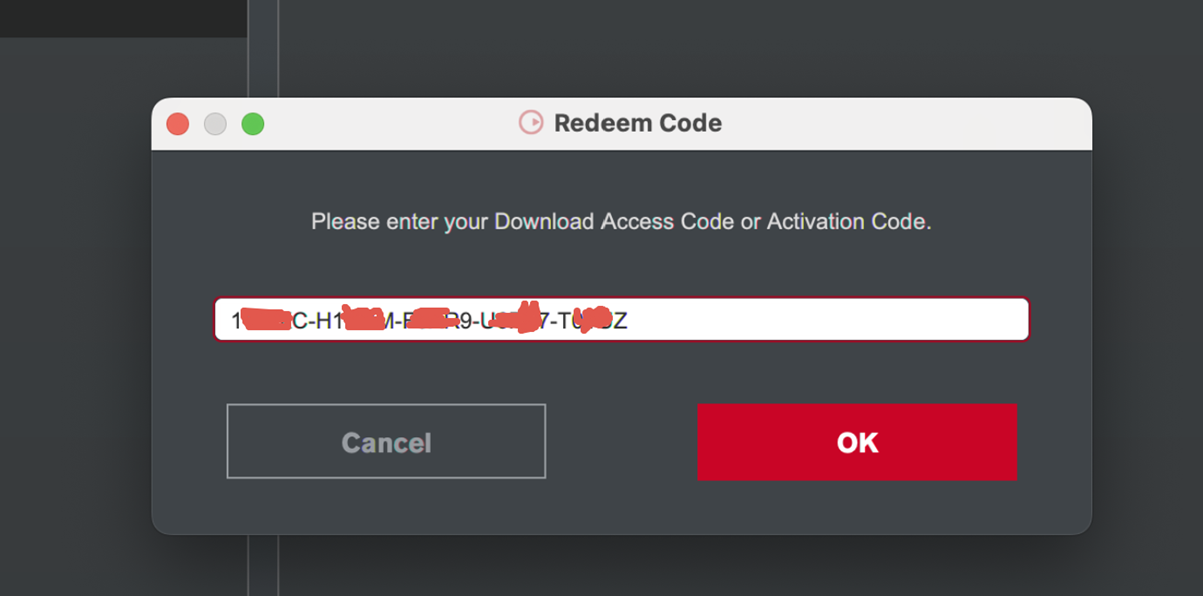
Add your download access code Inside Steinberg Download Assistant:
-
Click the “+” icon
-
In the pop-up window, paste the Cubase LE download access code you copied earlier
-
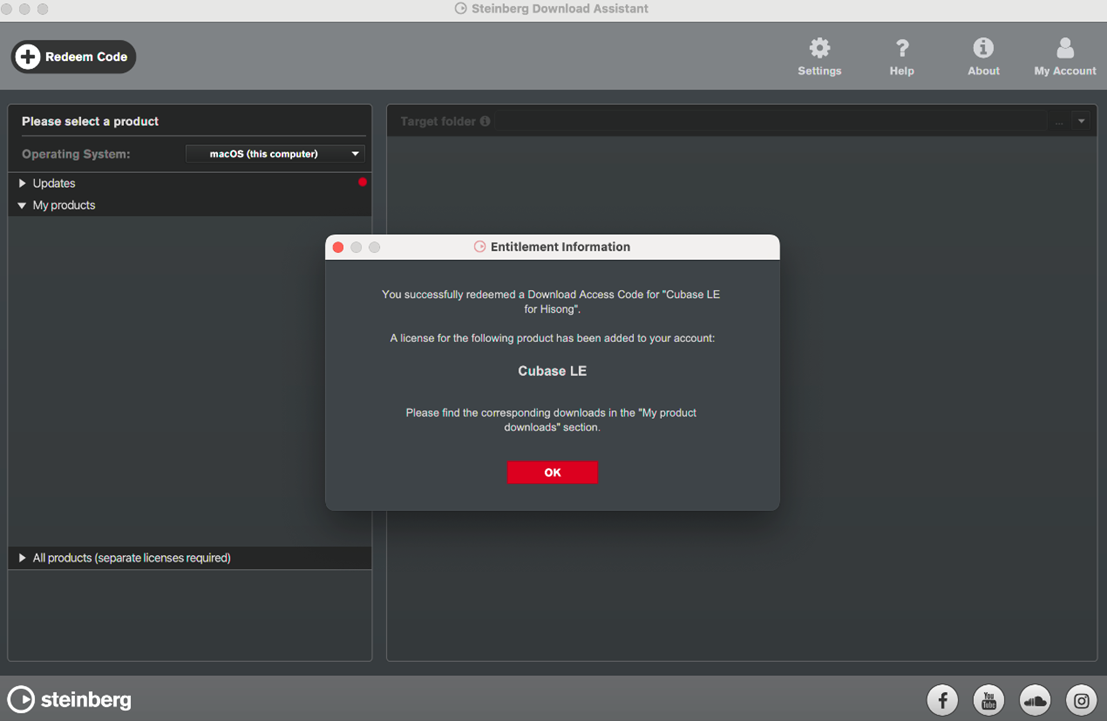
Confirm successful redemption
You will see a message stating:
“You have successfully redeemed ‘Cubase LE for HISONG’ download access.” Click OK to continue.
-
Download Cubase LE
Go to My Products and select the appropriate Cubase LE version to download.
-
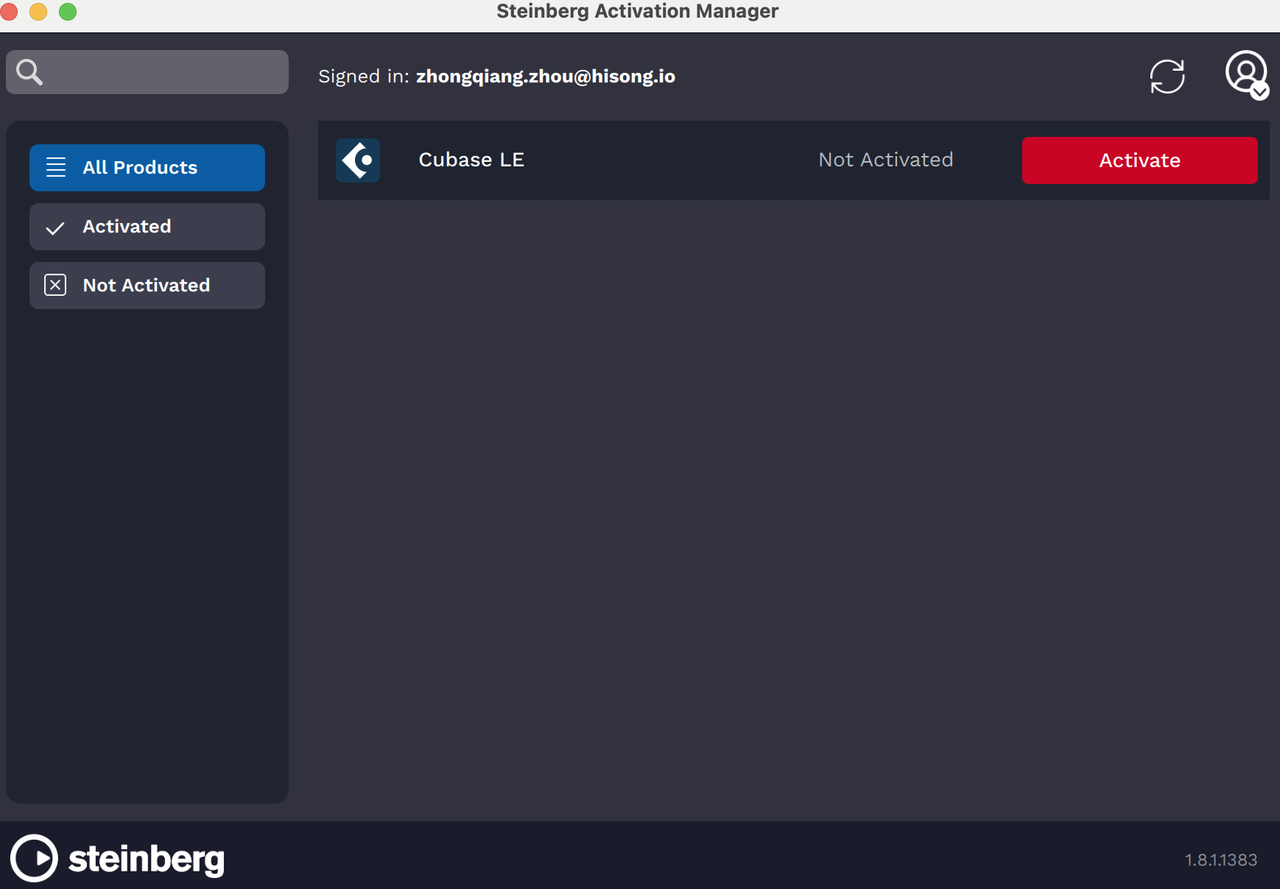
Sign in with your Steinberg ID and Active your Cubase LE
After installation:
-
Log in using your existing Steinberg ID, follow the on-screen instructions to activate your license.
-
Launch Cubase LE


